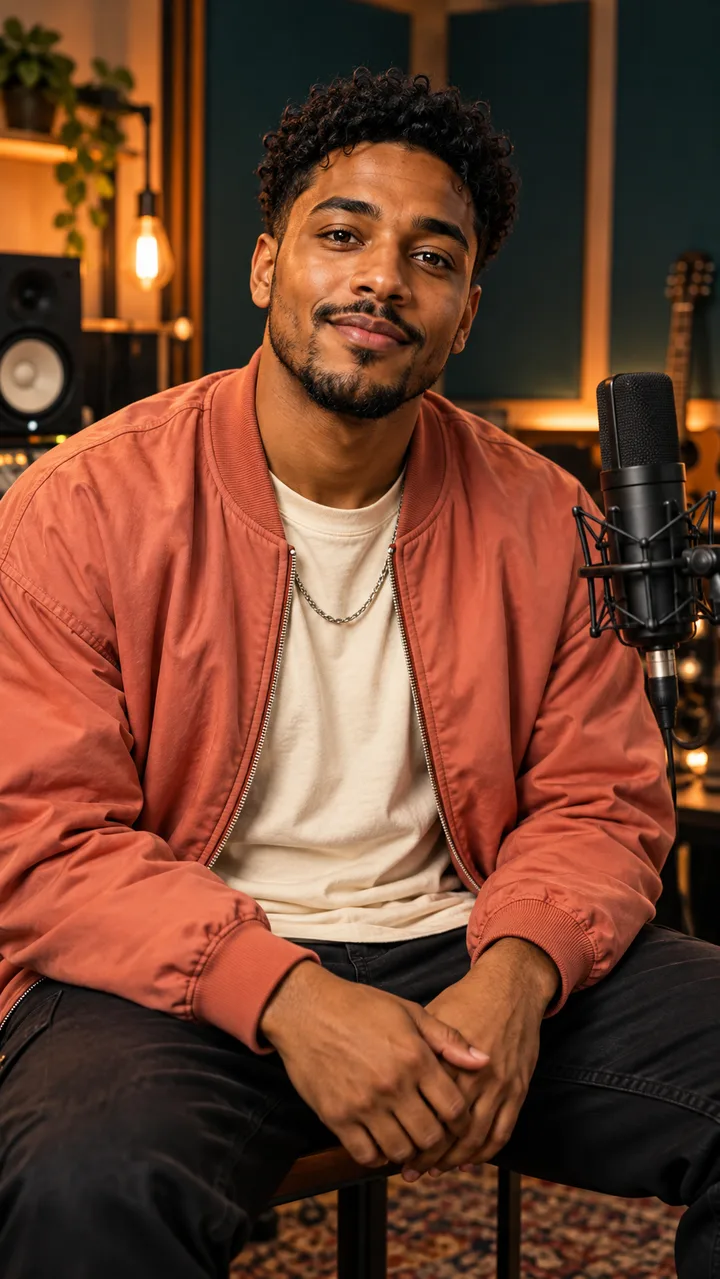
Portrait studioPhoto to Rap Video
Give a still portrait a voice: make a birthday shout-out, a melodic hook or a friendly challenge in the voice of a fictional performer. Start with one face and a line worth saying, then choose how the verse should sound.
How to turn a photo into a rap video
- 01
Frame the performer.
Pick a portrait where you could draw a clear line around the face without touching another person. Crop away the friend at the edge, the busy poster behind the head, or the hand covering the mouth. Keep a little room above the hair and below the chin. The finished clip is vertical, so check whether your subject still reads clearly in a narrow frame.
- 02
Give the verse a subject.
Choose Start with an idea if you want the words written for you. Instead of typing "birthday," give the performer something only the birthday person would recognize: the pancakes they burn every Sunday or the green bike they ride everywhere. Choose Use my lyrics if you already have a punchline. Read it aloud and cut any warm-up words that keep the best line waiting.
- 03
Match the beat to the picture.
A quiet expression can work beautifully against a confident beat. Try old-school for a story with a clear punchline or melodic rap for a soft refrain. Then choose the scene direction separately. A studio suggests an intimate take, while a spotlight makes the same portrait feel like a performer stepping out in front of a crowd.
- 04
Listen before you share.
Check the duration, resolution and credit cost shown in the tool, then submit. When the clip is ready, play it once with sound and once without. Does the line land where you wanted it to? Can you still recognize the expression in your picture? Save the MP4 before starting a different take so you can compare the two.
Photo styles that work best
For a first image to rap video experiment, use a simple head-and-shoulders portrait taken at eye level. Soft light from a window helps separate the lips from their shadow. Compare two photos of the same person at thumbnail size: if you can see the eyes and mouth in one without zooming, start with that one. A dramatic landscape behind the performer matters less than an unobstructed face.
You can also try an original illustrated character. Give the drawing a visible mouth and a distinct outline, and leave some space between the chin and the collar. A group shot or a full-length concert photo can be a great souvenir but a difficult starting point for a solo performance. If cropping leaves only a handful of pixels across the face, choose another picture.
Rap styles you can choose
Think about the sound of the sentence before choosing a genre. Old-school or boom bap suits a setup followed by a payoff: "You said one slice, then you finished the pie." Trap or 808 fits a short, repeated boast with space between phrases. Melodic rap gives a recurring phrase room to feel like a hook. Try tapping out your line on the table to hear where the pauses belong.
For a playful battle verse, write one side of the exchange. Let the performer challenge a fictional rival to a chess match or a dance-off. One good opening line works better in a short clip than a whole back-and-forth squeezed into a breath. For a lyric-led music video, decide which words carry the story and keep those near the beginning; the model can vary the delivery.
Three portraits, three performance briefs
These are planned examples. The briefs are ready to try; their videos are coming later.
Video coming soonThe birthday breakfast
Photo: A front-facing kitchen portrait in soft window light.
Style: Old-school / Boom bap
The verse starts with a stack of crooked pancakes and ends with a toast to the cook. The plain background keeps the focus on the face while the final rhyme delivers the birthday wish.
Video coming soonLast train home
Photo: An original illustrated portrait in a purple jacket.
Style: Melodic rap
A single recurring line about a late train ties the picture to the beat. Leave space after the station name so the hook can breathe instead of listing every stop on the way home.
Video coming soonYour move
Photo: A solo portrait beside a chessboard, with the face above the pieces.
Style: Trap / 808
A friendly battle challenge opens with the sound of a clock and ends on "your move." The rival stays off camera; the fun comes from watching one quiet player deliver an unexpectedly confident verse.
Before your first take
How do I turn a photo into a rap video without writing a song?
Upload one portrait and describe a moment, a mood and one detail you want the performer to mention. An idea such as "a shy drummer celebrating her first gig" gives the generator more direction than a list of adjectives. It supplies the verse and beat.
Can I use my own photo or artwork?
Yes. Choose a JPG, PNG or WebP up to 5 MB that you own or have permission to use. If another person is pictured, get their consent. Prefer an original character over a drawing copied from an album cover.
Is it free to try?
You can explore the form before signing in. Generating a clip uses credits; the button shows how many your selections require. A five-second 480p take uses 10 credits, so it is a useful first pass before committing to a longer verse.
How long does a take need?
Five seconds is enough for a greeting or a single punchline; ten or fifteen seconds leaves room for a setup. Processing is separate from playback length and can take several minutes depending on the queue. Check My videos for the existing take before submitting again.
Will my own lyrics be performed word for word?
Use the lyrics mode to supply the actual lines you want performed. A short line with natural stresses is easier to fit than a paragraph. Wording, rhythm and pronunciation can vary, so listen to the result before sending a clip that includes a name or a private joke.